.pulse640x640transparent-817372405651c604734d2ab76861801b744626bf551602e414f8c6f75c018334.png)
![[HERO] How to Choose the Best Touch Screen Hire for Events (Compared)](https://images.booqablecdn.com/w2560/assets/db3ec562-6af2-44a5-8c94-fda532c4566c/cmngou67h00e73b7v6n4d6hku(2).Howtochoosetherighttouchscreen-60f8472c2dbdc18c23d9b3712a3108d465977ceef9e3b911e0096550634152ab.webp)
Let’s be honest: the days of standing behind a desk with a stack of paper brochures and a bowl of lukewarm mints are over. If you want to grab attention at a busy trade show like the NEC or Manchester Central, you need to give people a reason to stop.
The most effective way to do that? Interactivity.
Touch screens have moved from being a "nice-to-have" luxury to an essential tool for lead generation, product demonstrations, and brand storytelling. But choosing the right one isn't just about picking the biggest screen in the shop. It’s about matching the tech to your stand space, your goals, and your audience.
At Pulse Events, we’ve spent years on exhibition floors across the West Midlands and beyond. We’ve seen what works (and what ends up being an expensive paperweight). Here is our "boots-on-the-ground" guide to choosing the best touch screen hire for your next event.
1. Size Matters: 32" to 65" Compared
Size is the first thing most exhibitors think about, but bigger isn't always better. You need to consider the "footprint" of your stand and how many people you want interacting at once.
The 32" Touch Screen: The Personal Closer
The 32-inch touch screen is the powerhouse of the "Shell Scheme" stand. It’s large enough to be high-impact but small enough not to swallow your entire floor space.
- Best for: 1-on-1 product demos, lead capture forms, and digital catalogs.
- Pro-Tip: Mount a 32" screen at waist height on a podium or integrated into your desk. It feels personal and non-intimidating for a visitor who is just starting a conversation with your team.
The 43" - 50" Touch Screen: The Versatile All-Rounder
This is the "Sweet Spot." If you aren't sure which size to go for, a 43-inch or 50-inch screen is usually the answer. It’s big enough to draw a crowd but still fits comfortably on most standard stands.
- Best for: Small group presentations and interactive maps.
- Why we love it: It’s large enough for two people to use side-by-side without bumping elbows.
The 55" - 65" Touch Screen: The Showstopper
When you want to dominate the aisle, go big. A 65-inch 4K touch screen acts as a beacon.
- Best for: High-traffic areas, gamified experiences, and "Space Only" stands.
- Logistics Check: Remember that a 65-inch screen on a floor stand has a significant physical presence. Ensure your rigging plan or stand layout accounts for the base of the stand so it doesn't become a trip hazard.
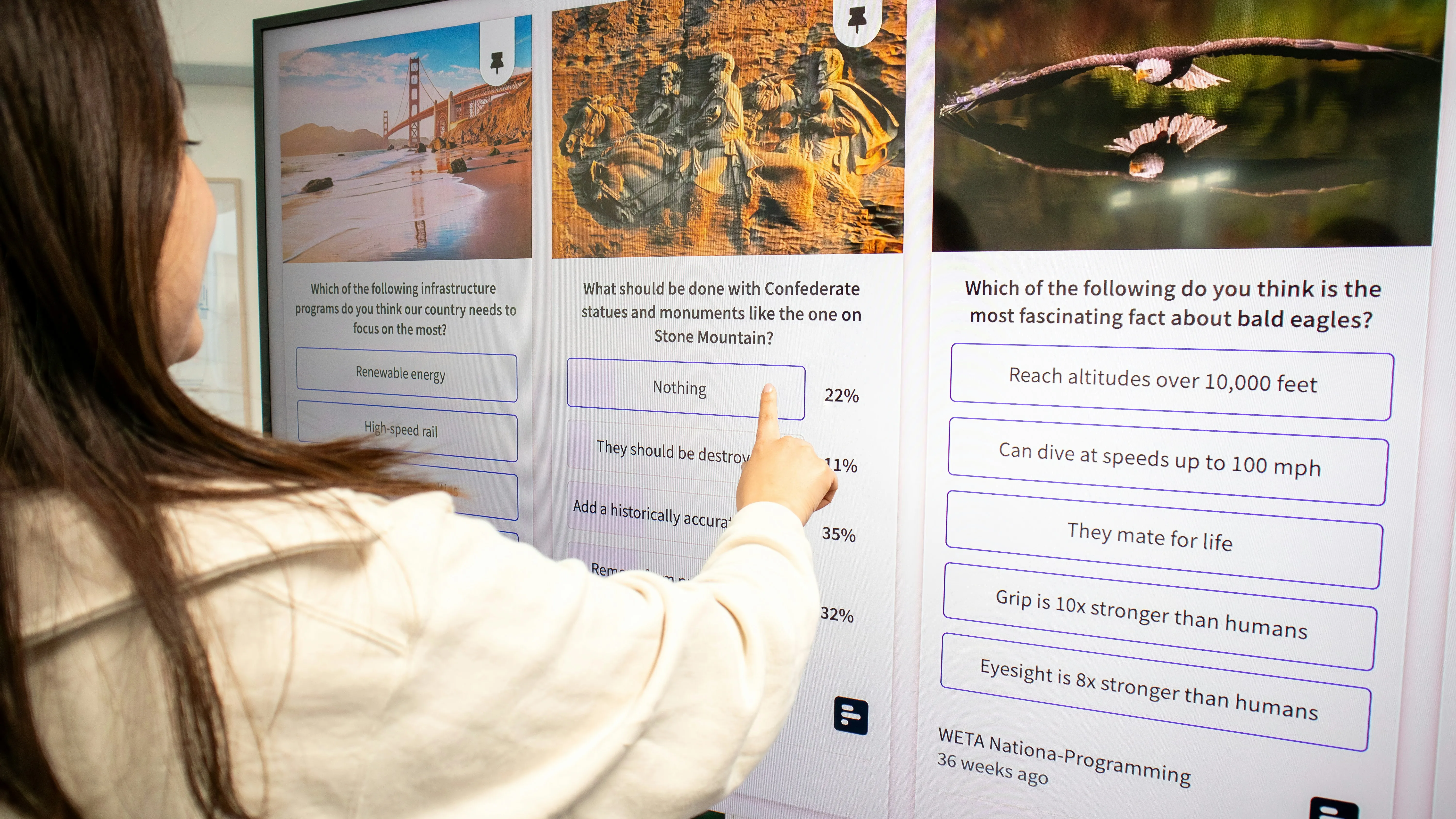
2. Form Factor: Kiosk vs. Screen-on-Stand
How the screen is presented is just as important as the screen itself.
Freestanding Kiosks
These are sleek, all-in-one units where the screen is integrated into a vertical or angled "totem."
- The Vibe: High-end, professional, and permanent-looking.
- Usage: Perfect for digital signage at the NEC or wayfinding. Because the "guts" (the PC and cables) are hidden inside the unit, they look incredibly tidy.
- Ideal for: Unmanned registration points or self-service information hubs.
Screen on a Mobile Stand
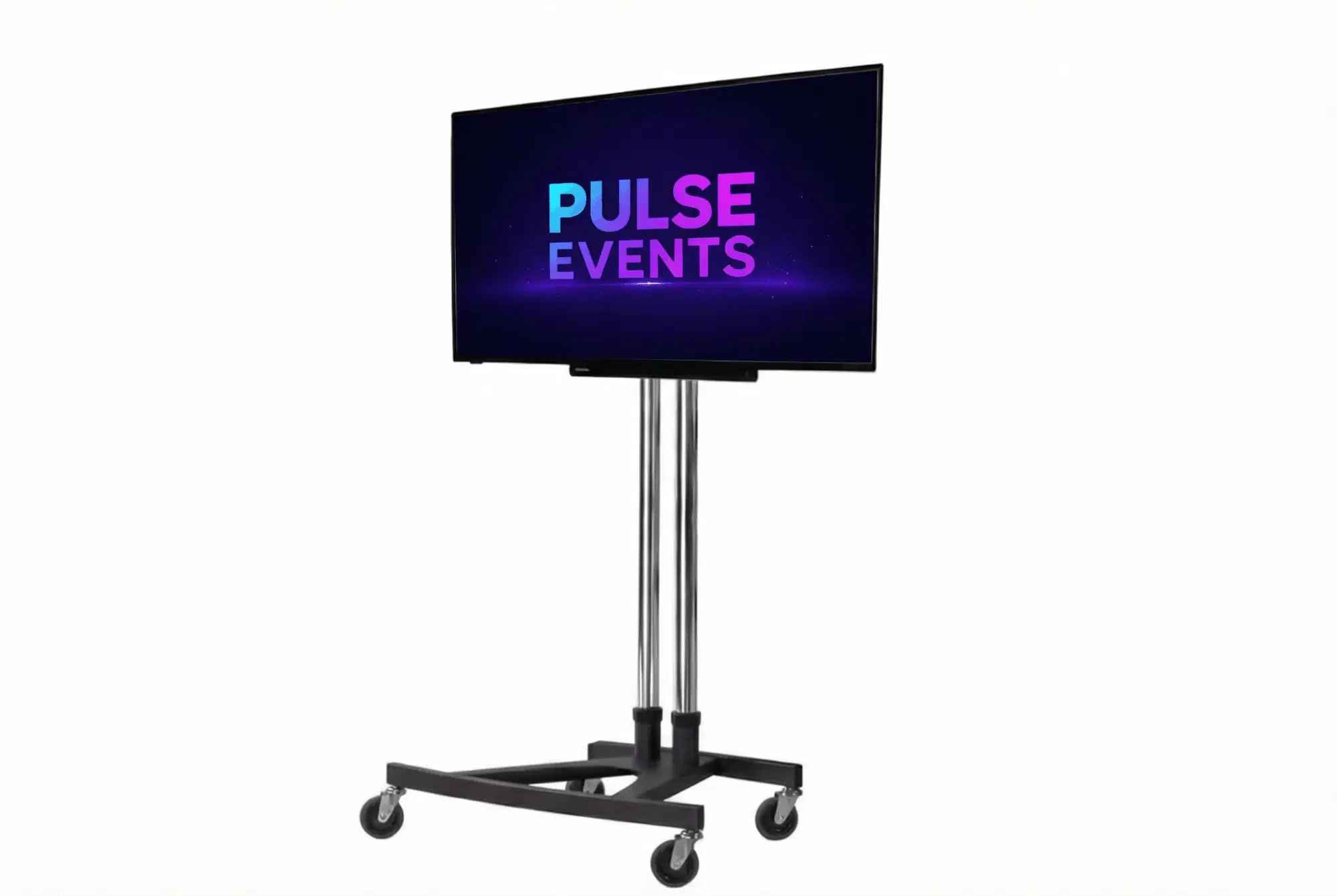
This is a standard 4K touch screen mounted on a heavy-duty professional stand (often with wheels).
- The Vibe: Functional, flexible, and presentation-focused.
- Usage: Great if you need to move the screen around during the day (e.g., moving it from the edge of the stand for a scheduled presentation to the center for casual browsing).
- Pulse Advantage: Our mobile stands feature lockable wheels and adjustable heights, making them much more versatile for custom stand builds.
3. The Tech Spec: Don’t Get Caught Out
Not all touch screens are created equal. If you hire a consumer-grade TV with a cheap "overlay," your visitors will be frustrated by lag and "ghost touches."
What to look for:
- PCAP (Projected Capacitive) Touch: This is the same tech used in your smartphone. It’s fast, responsive, and allows for "multi-touch" (zooming in on images or two people interacting at once).
- 4K Resolution: At an exhibition, people are standing inches away from the screen. If it’s 1080p, they’ll see the pixels. 4K ensures your branding looks sharp and professional.
- Commercial Grade Panels: These screens are designed to be left on for 12+ hours a day without overheating or losing brightness.
.PCAPTouchScreenKioskImage1.jpg-82d00eff164e69e6b91c284484d9c7574a7d9bbb1174bc905aff3927a54fff4e.webp)
4. Why Logistics Usually Ruin an Event (And How We Fix It)
We’ve seen it a hundred times: an exhibitor hires a screen from a "dry hire" company, and it arrives in a box at the loading bay of the CBS Arena or ExCeL London. The exhibitor then has to find a screwdriver, figure out how to mount it, and: the biggest nightmare: realise their software won't talk to the screen.
The Pulse Events "All-Inclusive" Difference:
We don't just "drop and run." When you hire from us, we handle the boring (but critical) stuff:
- Pre-Event Media Setup: Send us your files a week before. We’ll load them, test them, and make sure they auto-play when the power comes on.
- Delivery & Professional Installation: We know the back-entrances of every major UK venue. We’ll deliver directly to your stand and set everything up.
- On-Site Support: If you’re a new exhibitor, the tech can be daunting. We provide free support to ensure you’re comfortable using the interface before the doors open.
5. Insider Tips for a Flawless Interactive Stand
Pro-Tip #1: The "Wired Drop" Rule
Never rely on venue Wi-Fi for your interactive content. Even at top-tier venues like the ICC Wales or Manchester Central, the Wi-Fi can become congested once 5,000 people enter the hall.
- The Fix: If your app needs the internet, order a wired ethernet drop for your stand. It’s an extra cost, but it's cheaper than a screen that displays a "Loading..." spinner all day.
Pro-Tip #2: Content is King (But Interaction is Queen)
Don't just put your website on the screen. Websites are designed for mice and keyboards, not fingers.
- The Fix: Use large buttons, avoid long paragraphs of text, and ensure there is a clear "Home" button so the next visitor can reset the experience.
Pro-Tip #3: The Height Factor
If you are using a screen for a presentation, mount it high (center of the screen at eye level). If it’s for interactive use, lower it. You don't want your visitors getting "gorilla arm" from reaching up to touch the top of the screen.
6. Comparing the Options: A Quick Guide
.Screenshot20260402at03.17.34-3a03b1c5baa64fc193951f4497d8eb1a4ea2be8a824f35db9ce739b13ac6b6c3.png)
Ready to Level Up Your Stand?
Choosing the right tech shouldn't be stressful. Whether you are exhibiting at the NEC Birmingham, the CBS Arena, or the TIC in Telford, we are here to help.
Being based in the West Midlands means we are locals at these venues. We know the loading bay staff, we know where the power sockets are hidden, and we know how to make your brand look incredible.
Not sure which size you need?
Give us a shout. We’d love to chat through your stand layout and help you pick the perfect interactive solution. No jargon, no hidden fees: just great tech and better service.
Take Me Back
.pulseeducation.png1-e21c952fd4b92926345b80661dd687db610a001980e202ffa1a53231f6dfae0b.jpg)